Superbuy Spreadsheet: choose your find, check your order
Browse product categories and compare the original listing before ordering. Learn what warehouse photos can answer, when to request a closer check and how to move from the first payment to delivery.
Sixteen ways into the catalogue, and what inspection can prove in each
Each tile opens the same catalogue filtered to that category. The line under each one is not a sales pitch, it is the thing worth knowing before you order from that category: what a warehouse inspector will and will not be able to tell you about it.
Fifteen of the sixteen are real category pages. Womenswear is a search, because the catalogue is organised by garment rather than by who wears it, and the tile says so rather than pretending otherwise.
 SneakersCategoryThe box, the anti-theft clasp and the anti-damage sticker are part of the return standard, so the free check photographs the pair without cutting any of them.
 Jackets & coatsCategoryShells photograph well. Linings, inner pockets and the inside of a zip are the parts the free check never reaches.
 HoodiesCategoryPrint placement and drawcord tips are visible in the three standard photos; how the fleece behaves after a wash is not visible to anyone.
 T-shirtsCategoryFront, back and one logo angle is exactly what a tee gets for free, which is usually enough to catch the wrong print and never enough to judge the fit.
 JeansCategoryWaist and inseam only become facts when a tape measure is in the frame, and that is a photo you have to ask for.
 SweatpantsCategoryWhether both legs came out the same length is a line item on the detailed inspection, not something the free pass looks for.
 WomenswearSearch resultsThe catalogue is organised by garment, not by who wears it, so this tile runs a search instead of opening a category.
 JerseysCategoryNames, numbers and patches are applied after you order in many shops. That makes the warehouse photo the first time anyone sees the finished shirt.
 BagsCategoryHardware and stitching are the parts nobody can repair afterwards, and they need specific angles rather than a general shot.
 Hats & capsCategoryA brim survives the inspection and then loses its shape in transit. For this category the packing choice matters more than the photo.
 BeltsCategorySome shops cut a belt to the length you give them, so a measured photo is the only proof that exists before it ships.
 EyewearCategoryEyeglass prescriptions appear by name on the policy's exclusion list. Frames can be checked; lenses cannot.
 PerfumeCategorySealed means unopened. The free check stops at the shrink wrap, and breaking it is also what ends the no-reason return for this category.
 JewelleryCategoryPlating thickness has never shown up in a photograph. Judge the claim and the weight, not the shine.
 WatchesCategoryA watch counts as a 3C item: appearance only, no power-on, unless the add-on is bought after it is stored.
 ElectronicsCategoryAuthenticity, function and quality are all outside standard inspection by name. The power-on test is the only in-warehouse proof you can buy.
Prices in the catalogue are the seller's, in yuan, before any service fee or shipping. What you pay Superbuy on top is set out on the fees page, and what gets checked before it ships is on the inspection page.
Start here
What is a Superbuy Spreadsheet?
A product discovery site organised into category cards. Open a find to compare the seller, current price, available options and size chart. The site does not sell or reserve the item.
How to use the Superbuy Spreadsheet
Browse a category or search by item and style. Save the original link and exact colour, size and quantity you want; use the listing measurements rather than assuming the size letter is familiar.
Why use this Spreadsheet?
Its category notes help you decide what needs checking before you buy. The inspection guide and decision tool connect a particular concern, such as a size label or sealed packaging, to a useful next question for the warehouse.
What is the Superbuy agent?
Superbuy purchases from Chinese sellers on your behalf, receives goods at its warehouse, offers inspection services and arranges international delivery. The seller supplies the product; the agent coordinates your order and parcel.
How to use Superbuy
Import the product link, confirm the options and first payment, then review warehouse QC. Resolve any photo or return request before choosing a parcel, packing and route. Pay international shipping separately and follow tracking through delivery.
Why choose Superbuy?
It may fit buyers who need warehouse photos and optional targeted inspection before dispatch. Check that the available service can answer your actual question. Compare another service if it cannot support your item, destination or required test.
What warehouse QC photos can show
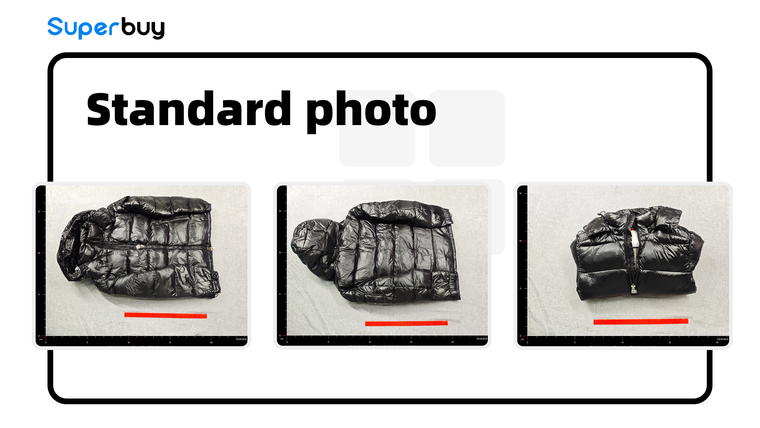
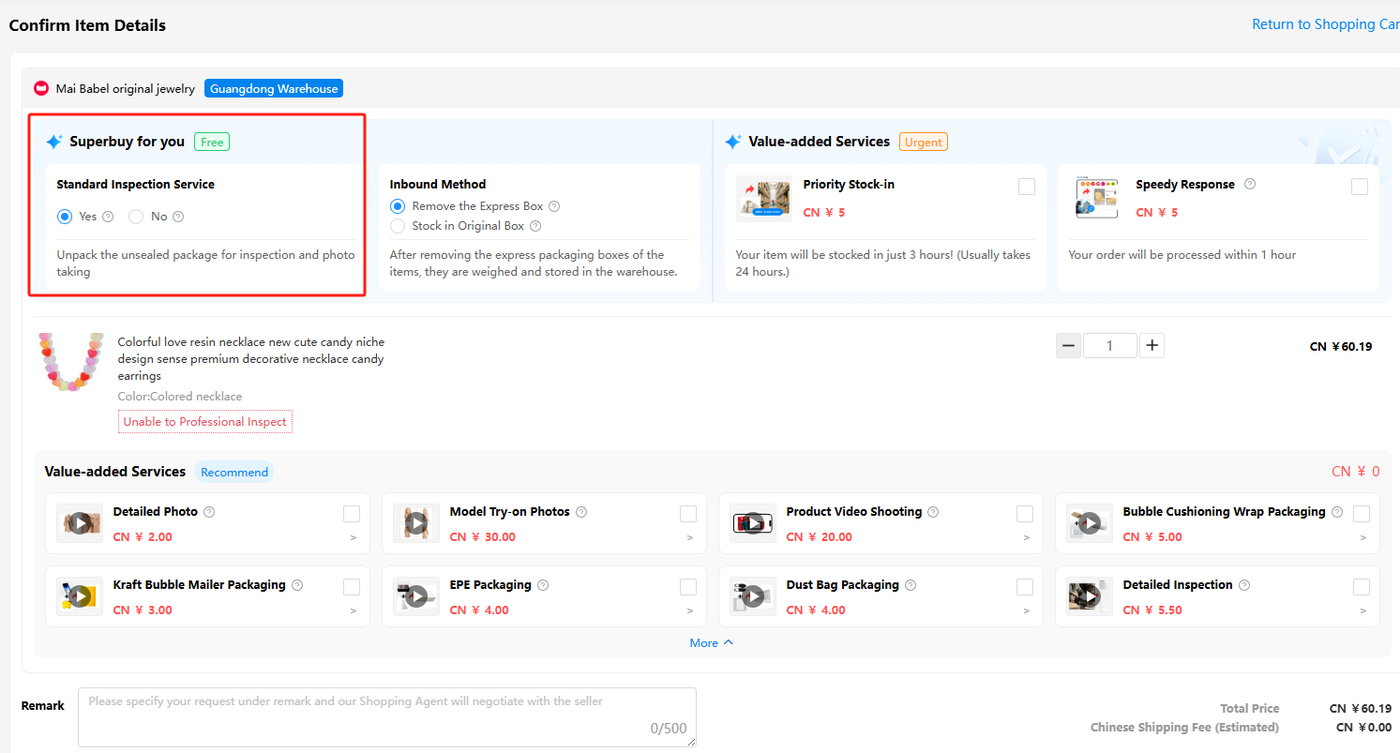
Check the inspection selection when confirming your order. Standard inspection compares the received item with the order and looks for visible problems; standard photos show the outside from a few angles.
Read the size label, variant, quantity and visible condition against your saved listing. If a measurement or hidden detail is missing, ask for that specific view before approving the item for shipping.
Photos do not prove authenticity, fit, long-term durability or every internal function. Read the scope and exclusions.
Why this site exists
Before opening sealed packaging
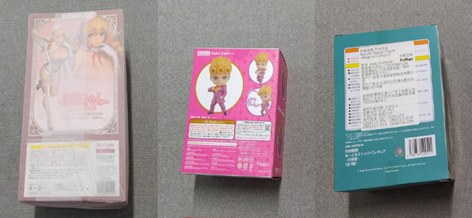
An extra inspection can require opening a sealed package. Before authorising it, ask whether that action affects the seller’s return conditions. A photograph of the sealed outside cannot answer a question about the contents.
State the question first, then choose the service. Keep the agent’s answer about opening, testing and return eligibility with your order. Check the inspection options.
What the catalogue price is missing
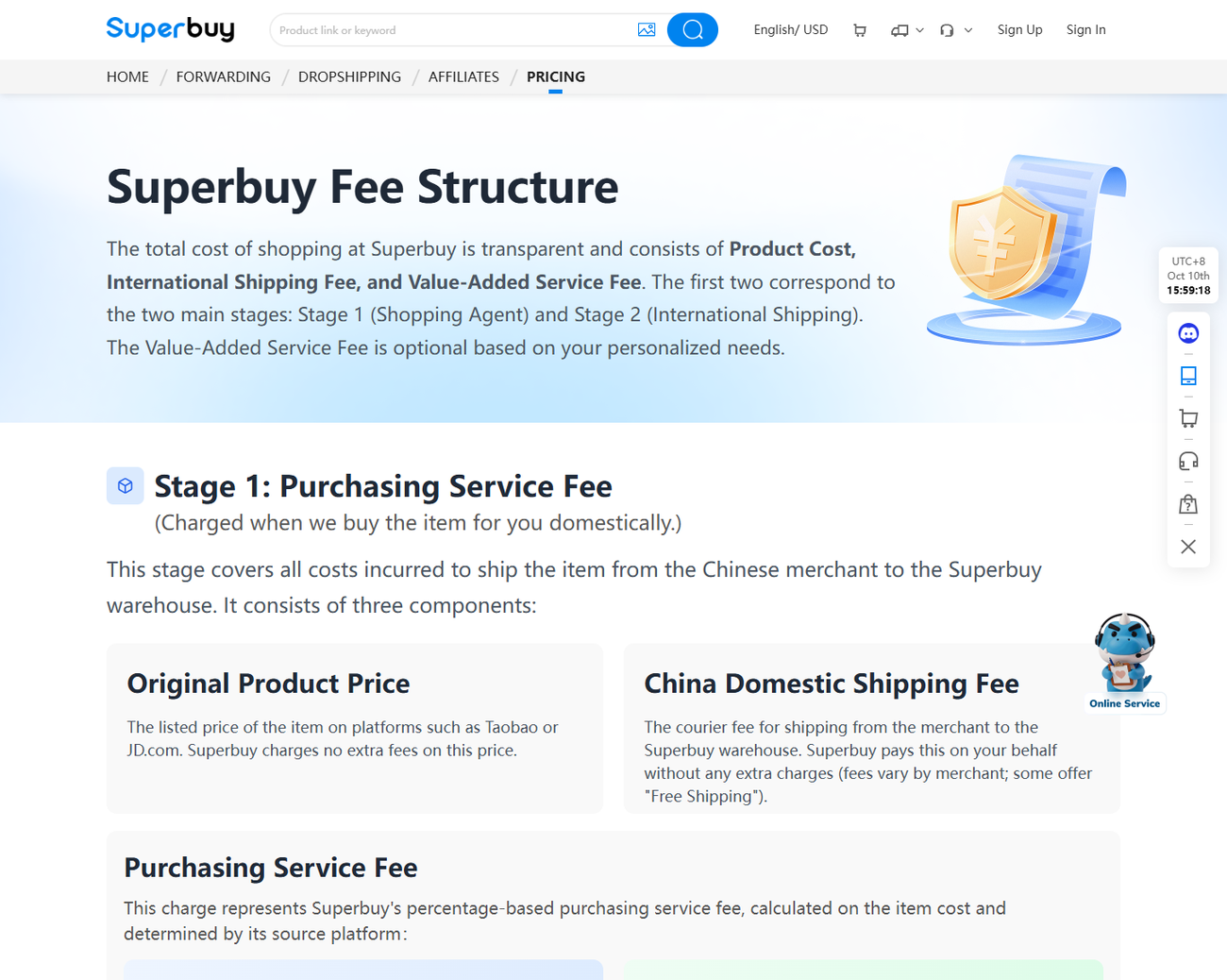
A card in the catalogue shows the seller's price. Two more numbers arrive later. The first is the purchasing stage: the item, the seller's domestic courier fee to the warehouse, and a service fee that depends on where the item came from. For Taobao, Tmall, JD.com and 1688 that service fee is zero. Second-hand platforms are where it starts to bite.
The second is the international stage, calculated when you ship: a first-weight charge, an additional-weight charge, customs clearance, a fuel surcharge and an operation fee, all of which depend on the line and the destination rather than on what you bought.
Add-ons sit between the two, and they are the only part of the bill you control completely. The full ladder is on the fees page, priced as published on 10 October 2026.
Watch return and warehouse deadlines
Review QC promptly and check the return deadline for the actual order. Free storage, paid extensions and a parcel claim window are different clocks; keeping an item longer does not extend the seller’s return terms.
Storage, packing and delivery · Help Centre and FAQ · Dated notices and community reports
A check you can run before you spend anything
The question that actually matters is narrow: for this category, with this worry, does the free pass answer it, and if not, what does the answer cost in money and in rights. That is four lines of policy, and keeping them in your head across sixteen categories is unreasonable.
So the unseal cost check holds them for you. Pick a category, pick what you need to know, and it returns what the free inspection settles, which paid service closes the rest, whether that service opens the packaging, and what nobody will be able to tell you even afterwards.
It is built from the published rules rather than from experience, and every line names the article it came from, so you can disagree with it by reading the source.